

QA Automation Without a QA Team: What to Skip
Written byDominik Szahidewicz


Updated: July 1, 2026View as Markdown
A deploy ships on Friday. By Saturday night, checkout is broken for a chunk of your users and nobody noticed, because the one person who knew the manual test plan was offline. That’s the problem QA automation is supposed to solve — and the reason most teams reach for it in the first place.
But here’s what we’ve learned watching hundreds of teams adopt automation: most of them don’t fail because they picked the wrong tool. They fail because they treat automation as a script-writing task instead of a risk-control system — and because, once the tests go red, nobody owns them. A suite that runs automatically but covers the wrong things gives you confidence you haven’t earned.
This guide is for the team this actually happens to: a web-first SaaS company, automation has to work without a dedicated test-infrastructure team. It covers what to automate first, what to leave manual, the metrics that tell you whether it’s working, and the tools that fit — with the honest trade-offs, including ours.
QA automation uses tools and scripts to run tests against your application, verify behavior, and report results without manual intervention. That’s the textbook line. The sharper definition is this: QA automation is a risk-control system that protects what matters — revenue flows, authentication, core user journeys — so you can ship faster without shipping broken software. Everything below is about building that system so it stays trustworthy past test number 30.
Check also:
These aren’t competing approaches. They solve different problems. The teams that struggle are the ones that try to automate everything — or automate nothing.
| QA Automation | Manual Testing | |
|---|---|---|
| Best for | Regression suites, repetitive flows, CI/CD pipelines | Exploratory testing, new features, UX validation |
| Speed | Fast once built; runs on every deploy | Slow at scale; doesn’t scale with release frequency |
| Maintenance cost | Ongoing — tests need updates when the app changes | Low setup cost; high time cost per release |
| Error consistency | Identical every run | Subject to human fatigue and oversight |
| Catches | Known regression paths you’ve mapped | Unexpected behavior, visual/UX issues, edge cases |
| Setup cost | Higher upfront investment | Immediate — no tooling required |
| Team requirement | QA or developer capacity to build and maintain | Any team member with product knowledge |
The biggest reason automation becomes fragile and expensive is simple: too much of it lives at the UI layer. The test pyramid isn’t a theoretical model — it’s a cost model.
If your strategy is 80% UI tests, you’re working at the most expensive, most volatile layer. That’s why so many automation engineers end up feeling like step-writers — they’re living where locators break most often. The goal isn’t to eliminate UI tests. It’s to keep them few and high-value.
Most implementation failures follow one pattern: pick a tool, write tests for a few months, watch the suite go flaky and slow, quietly abandon it. Here’s how to avoid that.
Start with your incident history. What caused your last three production bugs? Which flows generate the most support tickets? Automate around business risk — login, checkout, onboarding, subscription — not around whichever screen is easiest to record. Skip one-time edge cases and features still under heavy development.
Before writing a script, ask: can this be validated at the API level instead of the UI? Lower layers run faster, break less, cost less. If your suite is 90% UI tests, expect high maintenance — that’s an architecture problem, not a framework problem.
Tool selection should follow team capacity, not hype. A framework your team won’t maintain is worse than no framework.
Test automation that runs manually is optional, and optional automation gets skipped. Run smoke tests on every pull request, full regression nightly or on deploy, and fail builds on real regressions. Keep PR feedback under 10 minutes — longer and developers route around it. Design for parallel execution early; retrofitting it is painful.
This is the step teams skip, and it’s the one that decides whether automation survives. When tests go red with no clear owner, they stay red, then get disabled, then the suite stops being trusted. We see this pattern constantly in our own customer base: the teams that get lasting value from automation are the ones where a named person owns the suite and treats flaky tests as production bugs — not the ones with the fanciest tool. Assign an owner. Make maintenance a sprint priority, not a backlog item.
The easiest way to measure automation is to count tests. It’s also the least useful. A suite of 1,000 tests that misses the flows causing incidents hasn’t reduced risk — it’s manufactured the illusion of coverage. Track these instead:
💡 Also check QA Metrics That Actually Matter.
Your CTO doesn't care that automation is "best practice." They care whether it pays back. Three numbers settle the argument.
1. Manual regression hours per release × release frequency. This is what you're already spending. A full manual pass takes 8 hours, you ship twice a week — that's 64 hours a month gone to clicking through the same flows. Deploy more often, and this number climbs fast. That's the bottleneck automation removes.
2. Escaped bugs × average incident cost. This is what manual testing misses. Every bug that reaches production costs you: eng time to hotfix, support tickets, churn, sometimes a broken checkout that bleeds revenue. Leadership ignores this number because it's invisible. Make it visible. "Last quarter's broken signup flow cost us 9 eng-hours and a week of conversions." Now it's real.
3. Suite maintenance hours per sprint. This is the honest cost of automation itself. Tests break when the app changes. Someone fixes them. Most ROI pitches hide this number — and that's why they fall apart three months in. Put it on the table.
The math: automation pays back when (1) + (2) exceed (3). You're trading manual hours and escaped bugs for a smaller maintenance cost — but only when the suite is well-scoped. A bloated 1,000-test suite inflates number 3 until the math breaks. Risk-driven scope is what keeps it positive.
For teams deploying multiple times a week, breakeven usually lands at 2–4 months. Frequent deployers get there faster, because number 1 compounds with every release. Shipping monthly? You'll wait longer — and that's a fair reason to hold off until your release cadence picks up.
Most articles tell you automation is “faster and cheaper.” True, but vague. Here’s what it changes in practice, with a number attached.
Take Pilot.io, a 14-person SaaS team: small team, no dedicated QA department, shipping fast. After moving their regression coverage to automated tests, customer-reported issues dropped from around 30 per month to fewer than 10. That’s a 60% reduction in bugs reaching users — and developers got their time back to build instead of firefighting.
That’s the pattern worth copying. Pilot.io didn’t automate everything; they automated the regression layer that was leaking bugs to production, and the incident rate fell. Automation pays off when it protects the flows that actually break — not when it racks up test count.
Faster feedback. Regression cycles that took days run in hours once they’re in CI. Developers see failures in minutes, while context is still fresh.
Higher regression confidence. Machines don’t forget steps after a long sprint. Critical flows get validated every release, and risk is measured instead of guessed.
Lower cost of change. Reliable regression protection makes large refactors and frequent shipping less risky — but only when the automation itself is stable. Poorly architected suites do the opposite.
We surveyed our own users about what makes automated testing valuable — and, more revealingly, what holds it back. The answers line up with everything in this guide.
When users told us what stops automation from delivering more value, it was reliability: flaky tests that pass on one run and fail on the next. Reporting gaps and editor friction followed behind.
Flakiness wasn’t a footnote — it was one of the top blockers our users named. It’s the fastest way to lose a team’s trust in automation, which is why this guide treats flaky tests as production bugs, not minor annoyances. A suite your team has stopped trusting is worse than no suite at all.
On the other side, when we asked what users get out of automation, the top answers were time savings and speed, ease of use without heavy coding, and regression/E2E coverage. Teams value automation most when it removes the maintenance grind and protects critical flows — not when it produces the most scripts.
Most guides sell automation as a universal fix. It isn’t, and being honest about that is the point of this section.
Some of the hardest limits aren’t about automation in general — they’re about specific tools, and we’ll be straight about ours. When we look at the deals BugBug loses, the single most common reason isn’t price or features — it’s mobile. Teams that need native mobile testing need a different tool, full stop. The second recurring signal is developer-first teams that would rather pair their engineers with a code framework like Playwright than adopt a recorder. Both are legitimate calls.
The takeaway: pick the tool that matches your actual surface and team. A low-code recorder is right for a web-first SaaS team with limited QA capacity. It’s wrong if your product is mobile-first or your engineers want full framework control. Knowing which side of that line you’re on saves you weeks of evaluating tools that were never going to fit.
Use this to self-diagnose — and to see the next step.
If automation feels fragile or boring at your org, it’s rarely the tool’s fault — it’s usually narrow scope, no ownership, weak architecture, or unclear strategy. With that fixed, the choice comes down to your team:
BugBug’s free plan is the fastest way to find out whether a low-code approach fits your workflow.
No credit card, first test running in under 10 minutes, Chromium only. If that works for your stack, the setup overhead is gone. Trusted by 1,200+ QA teams across 50+ countries.
Happy (automated) testing!
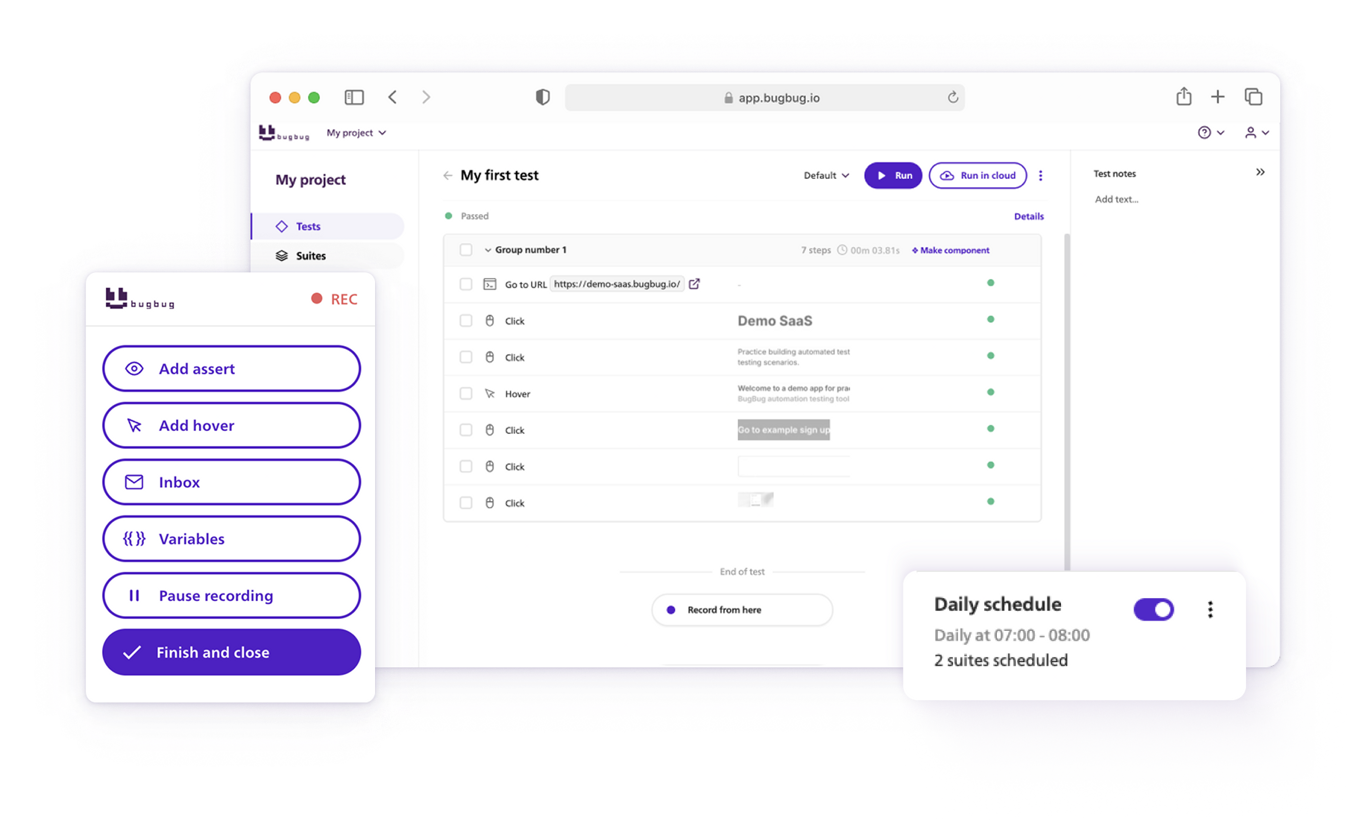
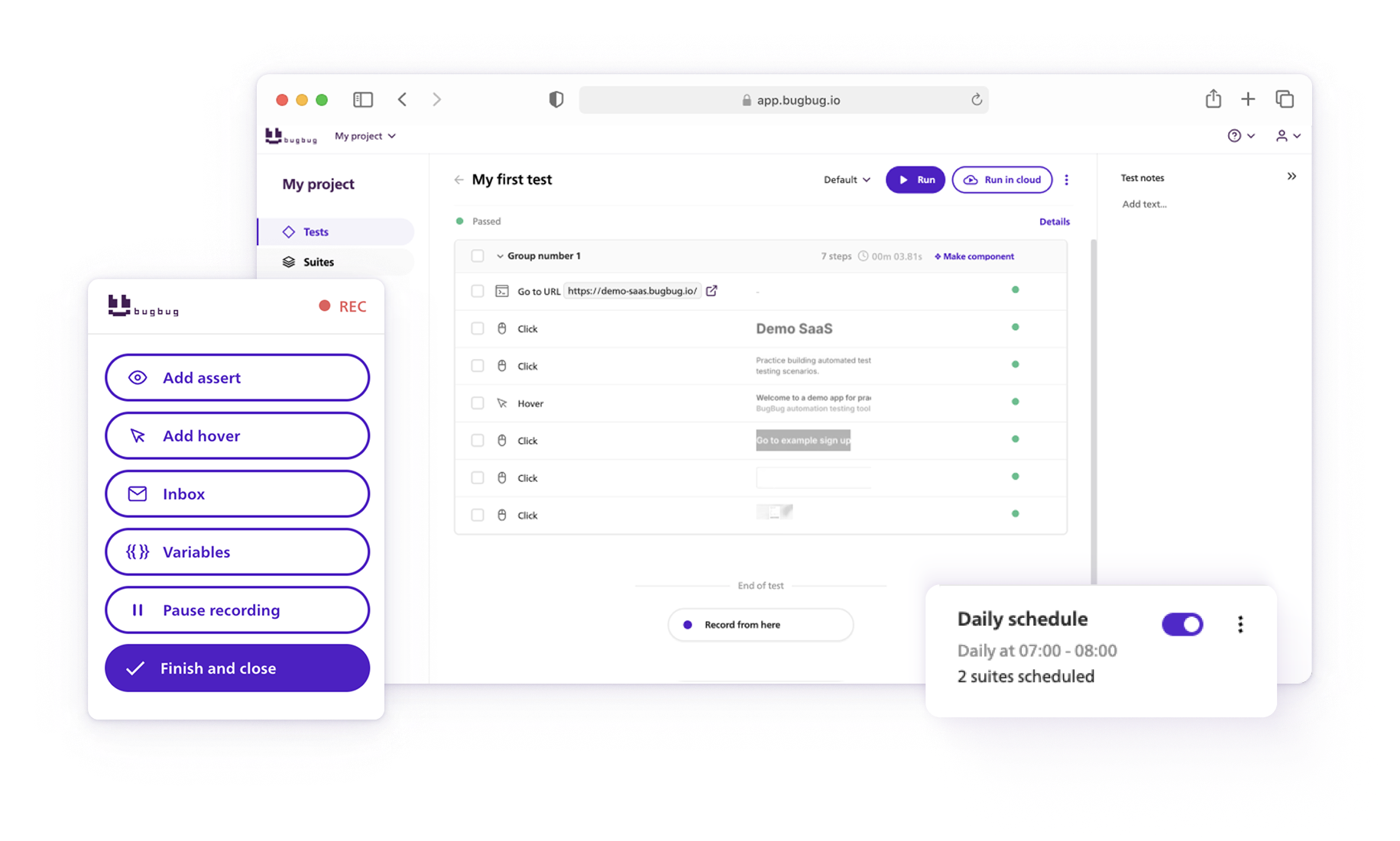
Your next release. Properly tested.
Join 1,200+ QA teams that automated their
regression coverage with BugBug.

Dominik Szahidewicz is a Software Quality Evangelist specialising in quality assurance, test automation, and modern software testing practices. He creates practical, research-driven content that helps QA professionals, developers, and product teams improve test coverage, automate repetitive testing, and release more reliable web applications.
Drawing on his experience in technical writing, data analysis, and application consulting, Dominik translates complex testing concepts into clear, actionable guidance. His areas of interest include end-to-end testing, low-code test automation, regression testing, and the use of AI in software quality assurance.
Get more testing tips and product related content. Zero spam.
What is QA Roadmap? Why you should consider using one? We are proud to present our QA Roadmap Template.
Looking to streamline software testing? Explore the best qa testing tools and learn how they can speed up releases and improve product quality.
QA engineers have a variety of testing conferences to choose from in the upcoming year. Check our article for details.
Discover essential business tools for startups. Read the article to find the right tools for your success.
Searching for the best web test recorders for automated browser testing? Discover essential tools in our guide.
Why don’t you become an automation tester? In this article we will present essential Automation Tester Skills.
Best free and open-source test automation tools for 2026: Playwright, Cypress, Selenium and best free plans from commercial tools.
How to find bugs in your code? They live to damage your code, to make you lose time and effort and money.
Comprehensive guide to testing search functionality with 100+ test cases, real-world examples, and tips for automating search tests using BugBug.


